
Cadence: Weekly Goals
Improve yourself, one week at a time.
A simple, private weekly time tracker. Set a target for what matters, press start, and watch your hours add up — with a live timer on your Lock Screen and no accounts, ever.
Why I created Cadence
I built Cadence because I was struggling to focus on the things that actually matter to me — playing sports, practising a language, putting time into a side hustle. In a normal week I'd just get pulled into office work or entertainment like watching TV, and those goals quietly slipped away.
I tried tracking my hours in Google Sheets, but it got messy fast — juggling multiple laptops and my phone, and I'd often forget to update it. And let's be honest: numbers motivate us. Seeing your progress grow is a little hit of dopamine — for your own good.
Here's the solution — Cadence
It's as simple as it can be:
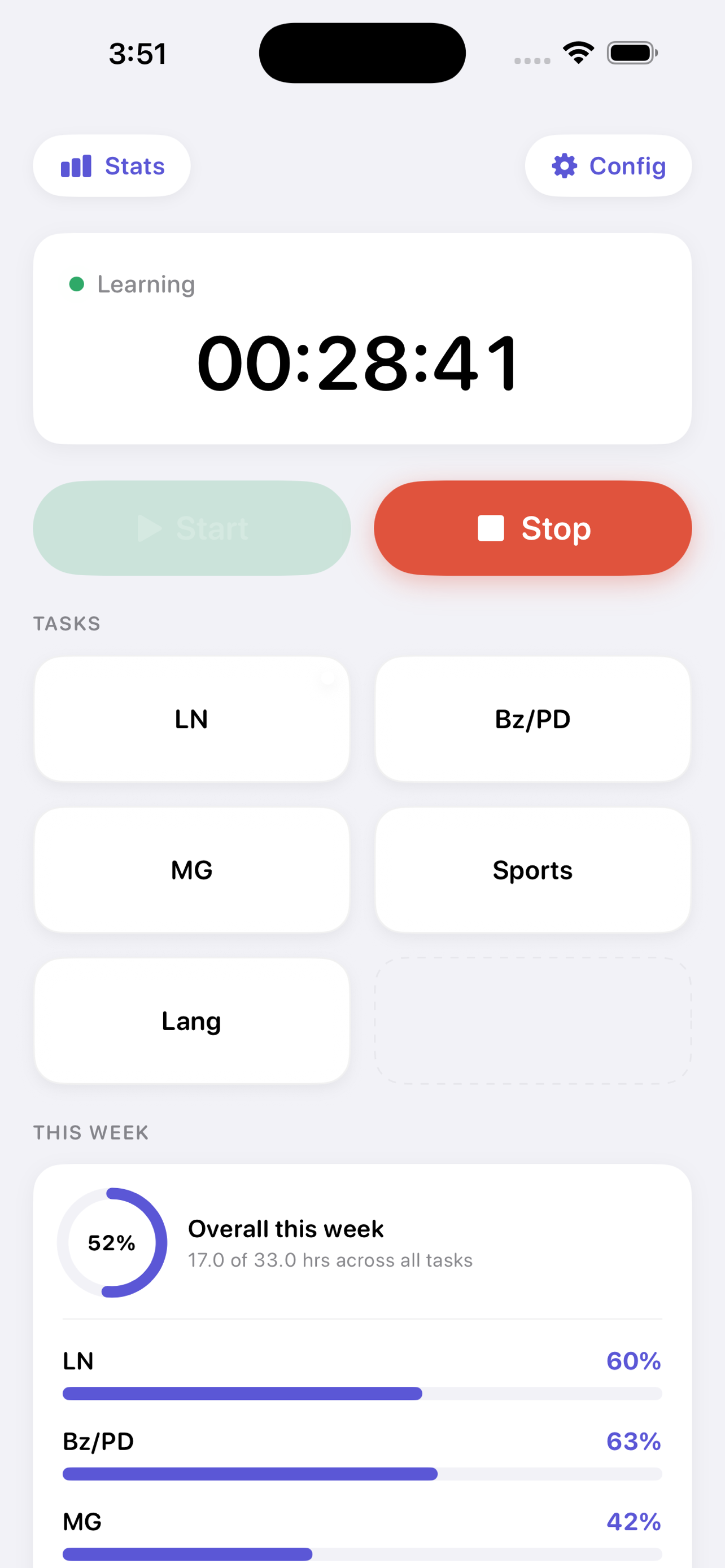
1. Set your weekly goals. Add each task and its target hours per week in the Config area.
2. Start a task. Tap the task name, then press Start.
3. Stop when you're done. Press Stop, and your time is recorded.
Forgot to press Stop, or got distracted? No problem — go to Stats → Session Stats and change it to the actual time.
Just you versus you
There's no race with anyone else. The only competition is with yourself — so you'll be honest.
Improve yourself with Cadence.